
 Internal
macOS app
Internal
macOS app
SSH Manager
A modern, dark-themed SSH connection manager for macOS. Save your connections and open them in Terminal with a double-click - no more retyping host, user, and key details every time.
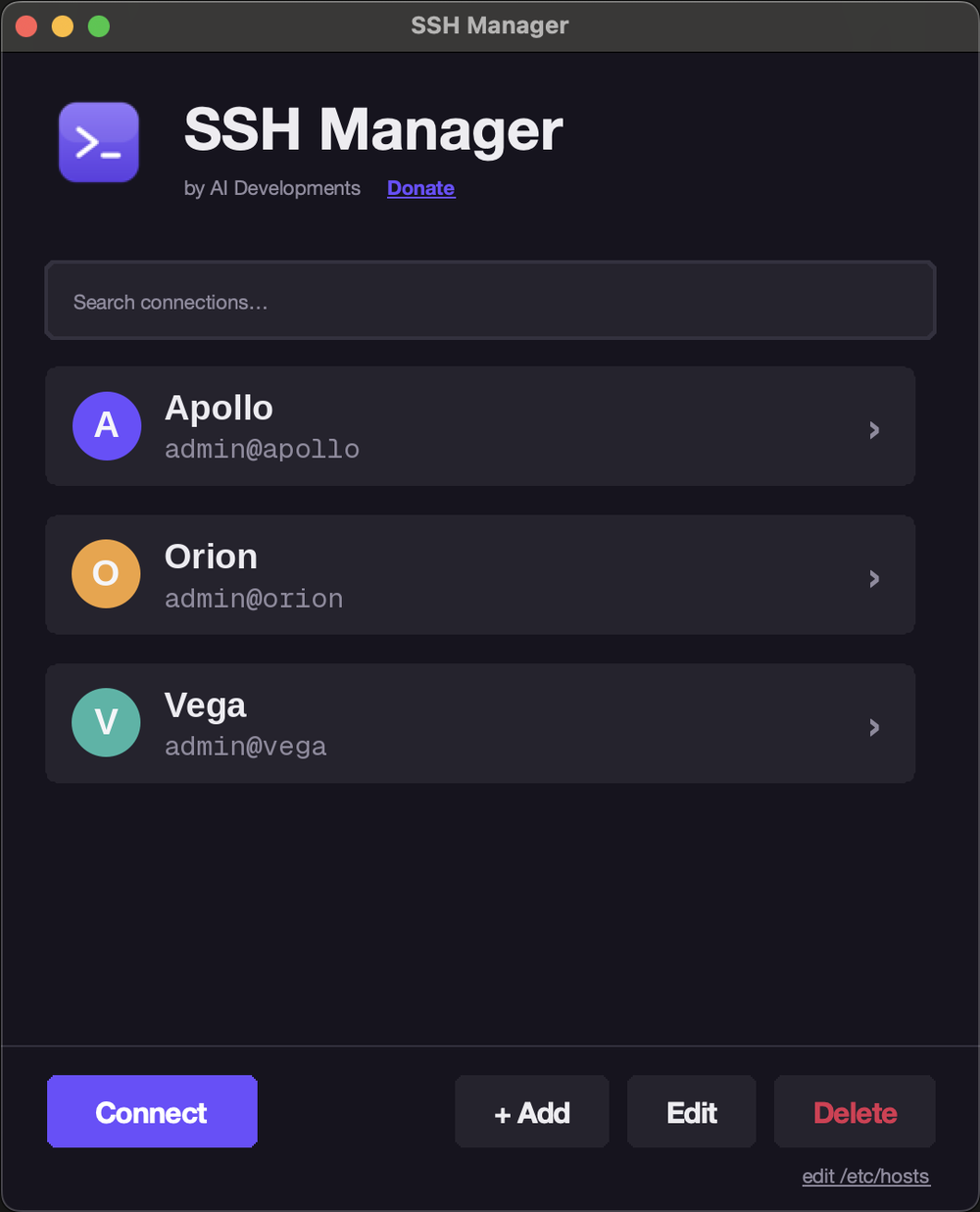
SSH Manager keeps every connection you use a double-click away. Save host, user, port, identity file, and extra SSH options once, then connect straight from a clean dark interface - no more digging through notes or retyping the same command.
Highlights
- One-click connect - double-click a saved connection to open Terminal and SSH straight in.
- Full connection manager - add, edit, and delete connections with host, user, port, identity file, and extra options.
- Search and filter as your list grows.
- Quick
/etc/hostsedit shortcut for the moments you need it.
Connections are stored as plain JSON at ~/.config/ssh-manager/connections.json, so they are easy to back up or edit by hand. The packaged app ships its own Python and Tk runtime, so there is nothing else to install.